
Introducing the all-new Cleo Pay virtual cards.
Easily add, pause, or remove employee and manager cards. Track all your spend across marketing, distributors, purchases on the go, and online ordering.
Schedule a demo →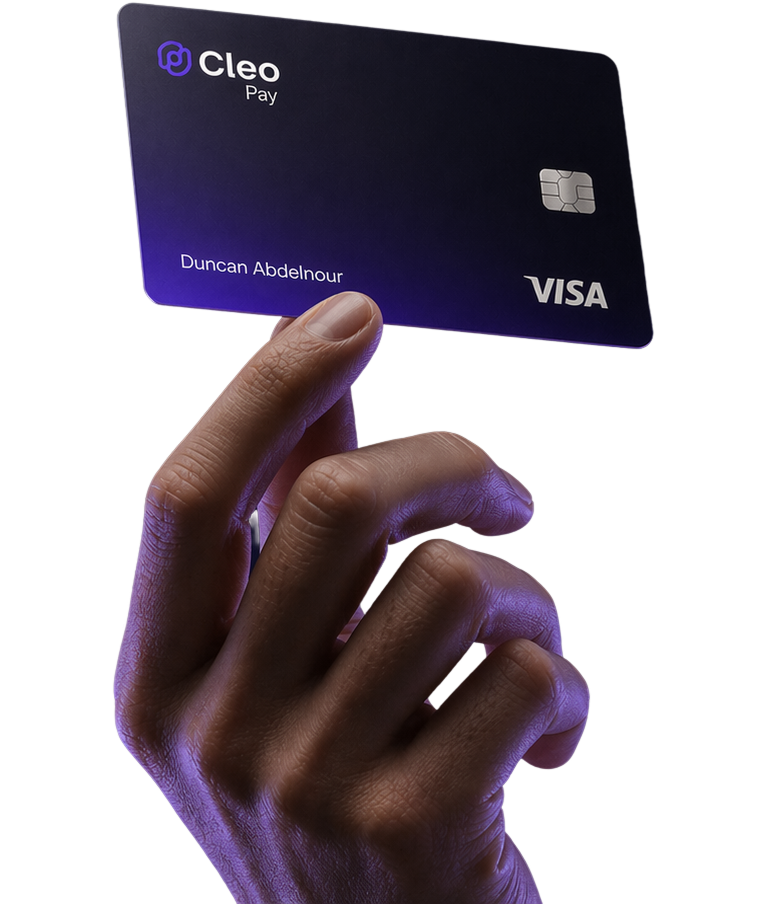
Add, pause, or remove a card.
One card per person, or one card per purpose. You decide, and you can change it later.
Pause a card whenever you need to. Any charge on a paused card is declined, and the decline shows in your activity feed.
CONTROLS
Set a limit on every card.
Give each card a daily limit and choose which merchant categories it works at. A charge outside those rules is declined, and the decline shows in the feed so you know it happened.
Category controls
Pick which merchant categories each card works at. Everything else is declined at the terminal.
Spent · last 30 days
$4,983Your limit is $250.00 per week
Restaurants
Most used category
Spend over time
Last 30 daysSPEND
Give every kind of spend its own card.
Name one for a team, a vendor, or a project, and every purchase sorts itself under the right card.

Distributors
Recent activity
EXPENSES
Every charge becomes an expense,
receipt and all.
Cleo Pay turns each authorization into a tidy expense with its category, memo, and receipt, reconciled and ready to export to your books.
Expenses
August 2026Meta Ads
Aug 24, 2026
Spend by category
QUESTIONS
Common questions.
Any employee or manager on your team. Create a card for a person or for a purpose, give it a nickname, and set its limit. You can add or remove cards at any time.
Any charge on a paused card is declined right away, and the decline shows in your activity feed. Unpause it whenever you want and the card works again, with the same limit and rules.
Yes. Each card has a daily limit and a set of allowed merchant categories. A charge outside those rules is declined, and the decline is recorded in the feed so you know it happened.
Cards spend from your Cleo Pay balance.
Yes. Every card is a virtual Visa Commercial card, issued by Celtic Bank, and accepted anywhere Visa is.